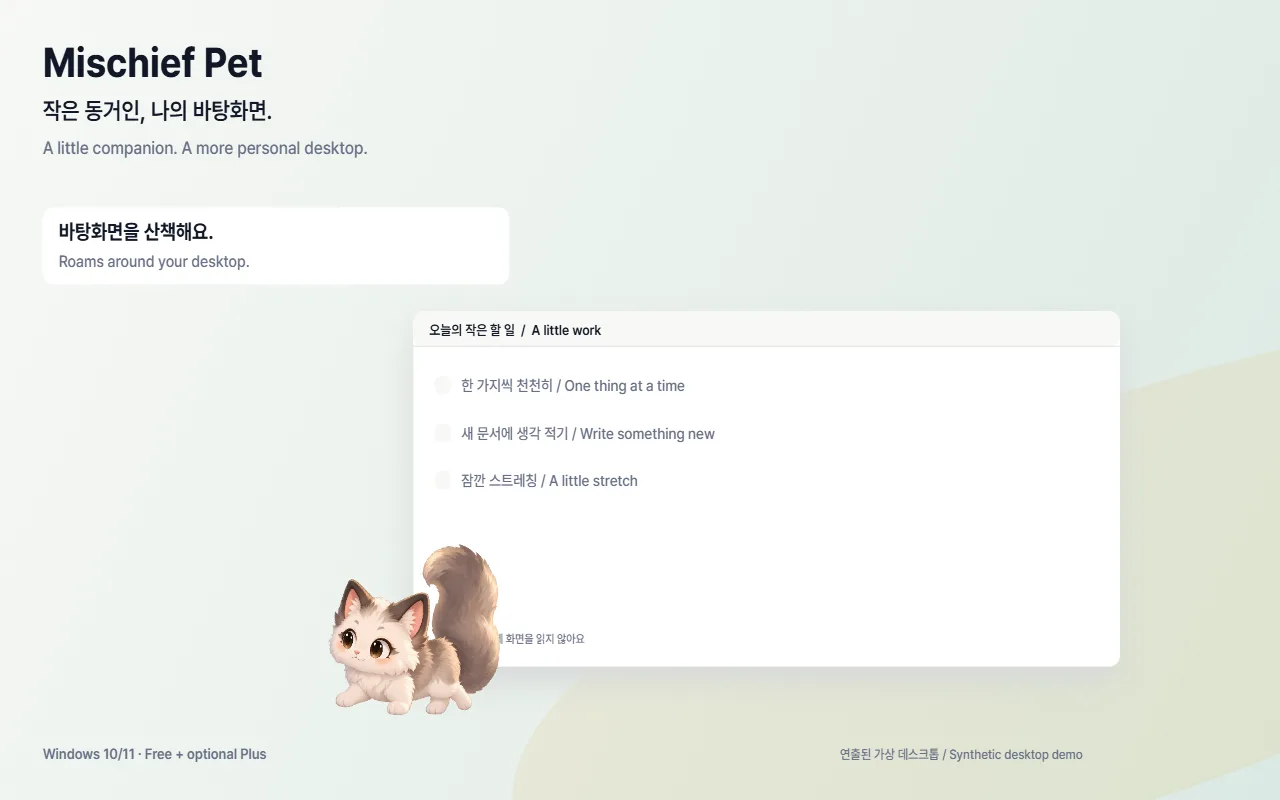
A desktop with a little life
Roam, peek and nap. Individual high-resolution sprite frames bring your tiny companion to life.
 Mischief Pet
A LITTLE DESKTOP COMPANION
One small cat beside your work. A peek from behind a window, a little meal, a quiet nap. Company without taking over.
Windows 10/11 x64 · Free companion · No forced startup
Launch preview · Download and checkout links are not live yet.
01 / LITTLE MOMENTS
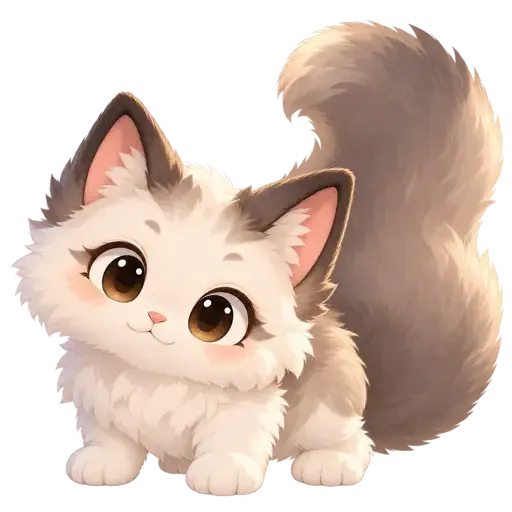
Roam, peek and nap. Individual high-resolution sprite frames bring your tiny companion to life.
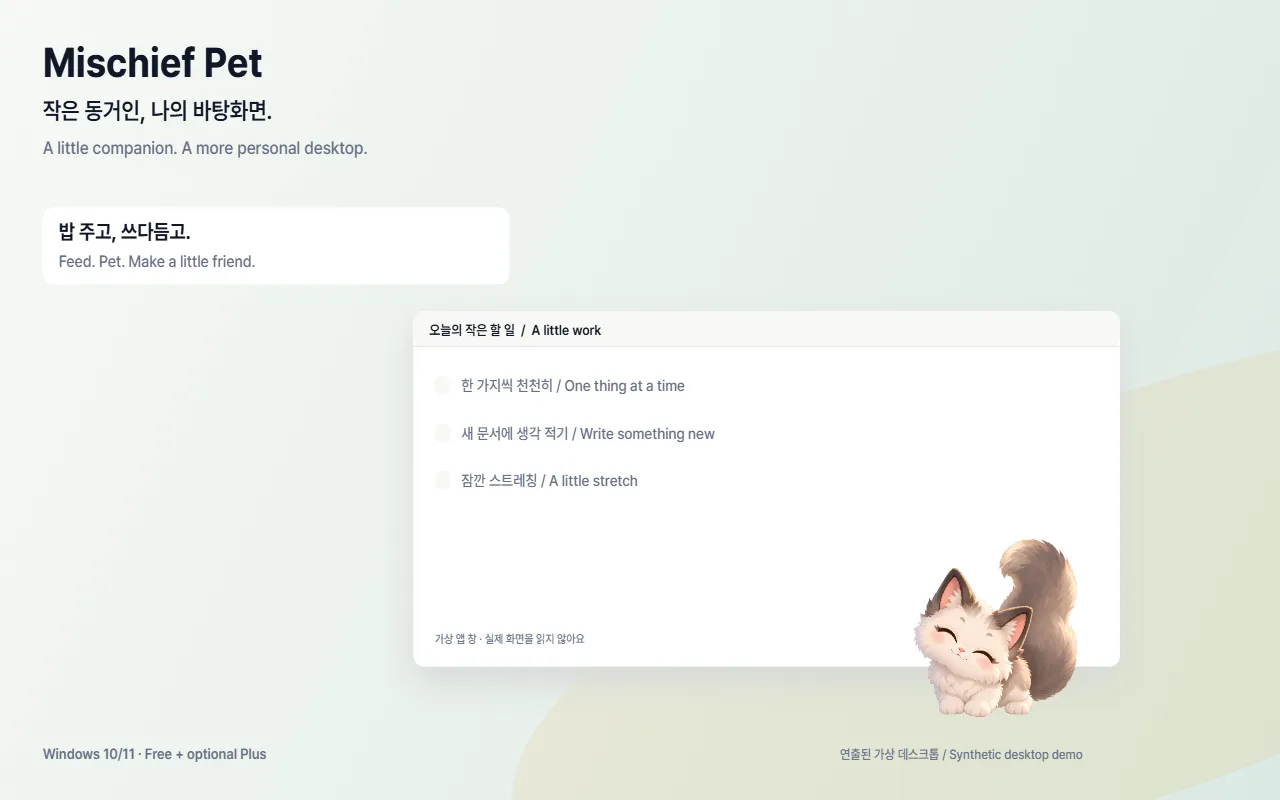
Feed, pet and give your companion a name. Time with the app closed never turns into a care debt.
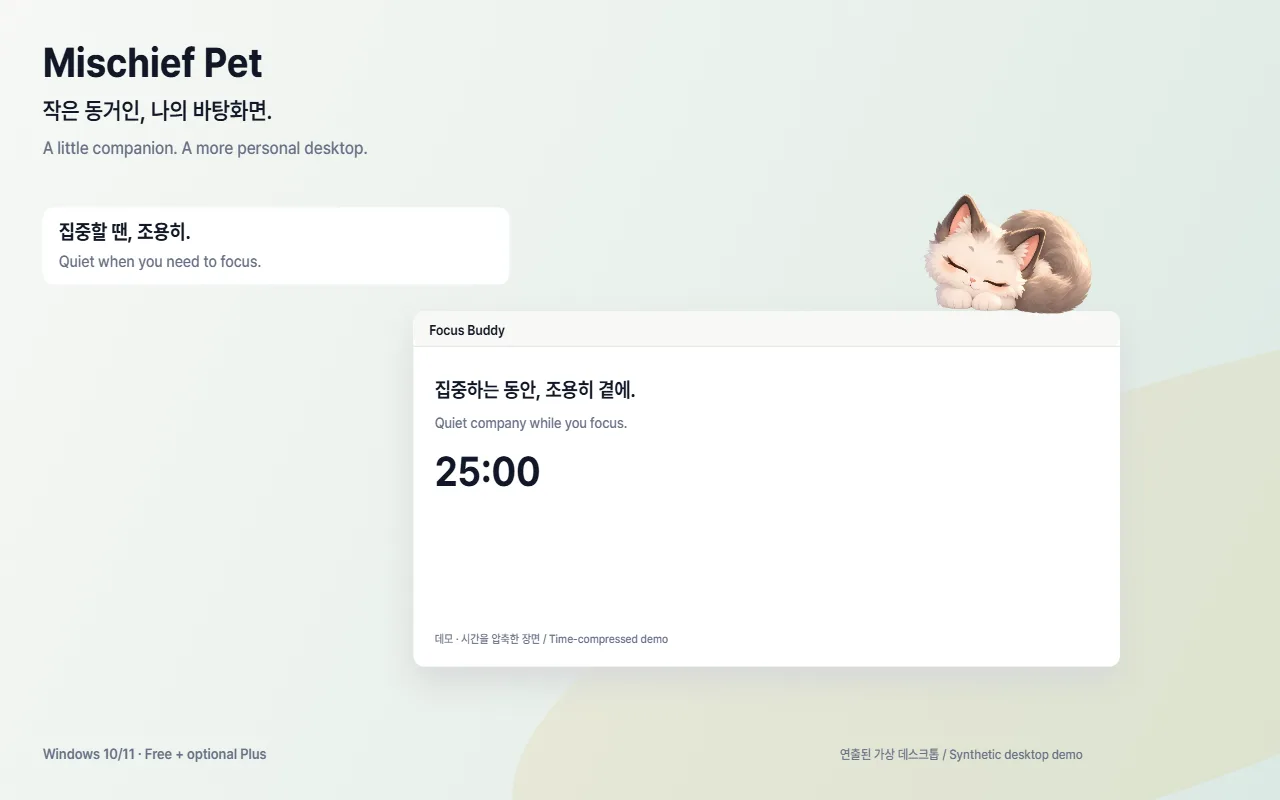
Optional Plus adds Focus Buddy, water and stretch reminders, and a cozy window perch.
No reading app titles, content, screens or microphone. No moving files, typing keys or forcing your cursor. Hide instantly with Ctrl+Shift+H.
02 / FREE, THEN YOUR CHOICE
Plus launch price US$4.99 · One-time purchase (regular US$6.99)
Try 3 Focus Buddy sessions and 3 Window Perch uses for free. Break reminders are Plus-only.
| Feature | Free | Plus |
|---|---|---|
| Roaming, hiding, feeding and petting | Included | Included |
| Local saves, settings and instant hide | Included | Included |
| Focus Buddy (15/25/45/50 min) | 3-session trial | Included |
| Window Perch | 3-use trial | Included |
| Water and stretch reminders | — | Included |
| Supporter credit in About | — | Included |
Gumroad, the merchant of record, handles checkout, payment, applicable sales tax and receipts. Check the final total at checkout. Gumroad’s policy
03 / GOOD TO KNOW
Download the Windows ZIP from Gumroad, extract the entire folder and run MischiefPet.exe. Keep all files in the folder together. To uninstall, quit the app and delete the extracted folder. Local saves can remain; export anything you want to keep from Settings first.
This release is not code-signed. First confirm the file came from the official Gumroad link. If you trust it, choose “More info → Run anyway.” Do not disable Windows security. If your organization blocks it, contact your administrator rather than bypassing policy.
Core care and saves work locally. App networking is limited to Gumroad license verification/re-verification after you enter a key, and anonymous usage statistics only after explicit opt-in. Statistics are off by default; no app account is needed.
Choose the Plus version of the same Gumroad listing, then enter the license key from your receipt in the app’s Plus settings. Initial verification needs internet. Do not share your key. A previously verified active state survives being offline; the app periodically rechecks it.
Request a refund through your Gumroad receipt or purchase page within 14 days of purchase. For product support, email help@neogenesis.app. Confirmed refunds deactivate Plus; free features and local saves remain. Your statutory rights are not restricted.
The 0.5.0 commercial release is for Windows 10/11 x64. Older experimental Mac/Linux builds are not sold as equivalent to this release.
Only if you allow anonymous statistics below for this visit: PostHog page and CTA events. Consent and a random identifier stay in memory, with no cookies or localStorage. Reloading turns statistics off again.